The wardrobe that builds itself
Photograph your closet. We cut out every piece.
STILYO finds each garment in your photos, cuts it out along its real edges and files it in your digital wardrobe — then builds outfits from what you already own and shows them on you.
Building your wardrobe is always free.


How it works
From camera roll to closet, in four cuts.
- 01
Photograph
Pick photos from your camera roll, several at a time — a garment on a hanger, on the bed or on you.
- 02
Cut out
Every garment in the photo is found and cut out along its real edges, each as a separate piece. Nothing is redrawn or invented.
- 03
Sort
Pieces land in your wardrobe, sorted where they can be recognised. Anything uncertain is left blank — and your corrections always win.
- 04
Style
Outfits are built from your own pieces first, and you can see them on your own photo.

Your wardrobe
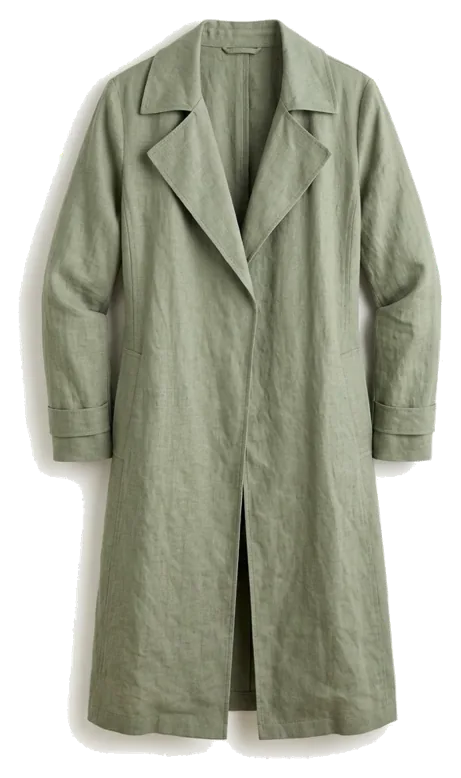
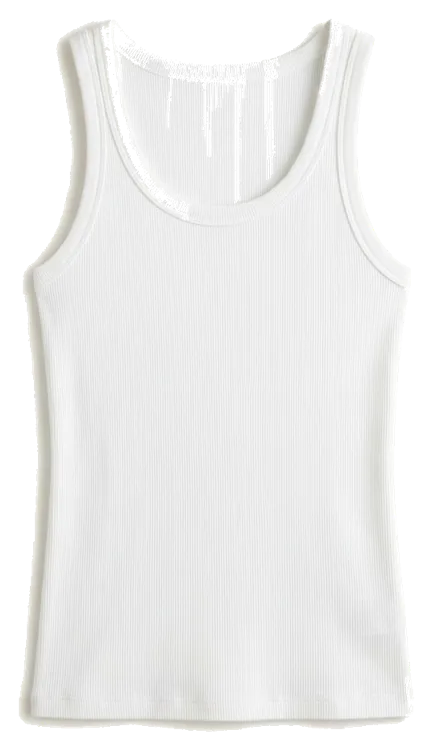
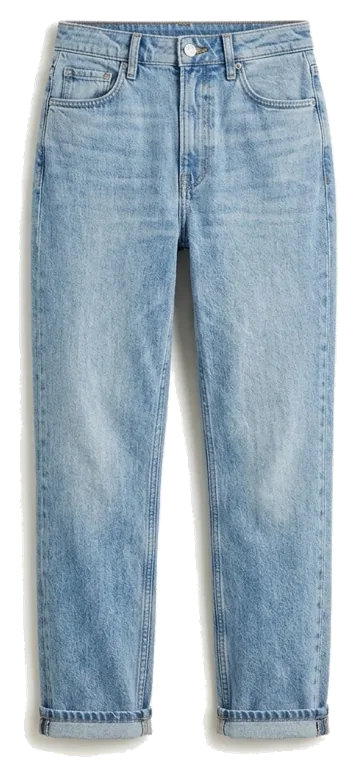
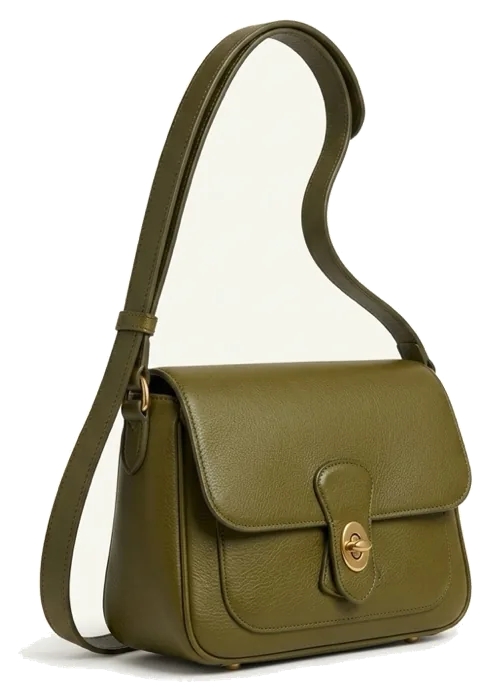
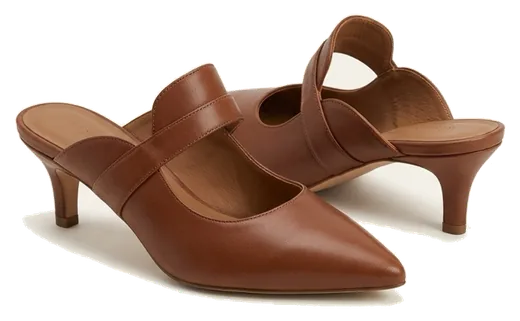
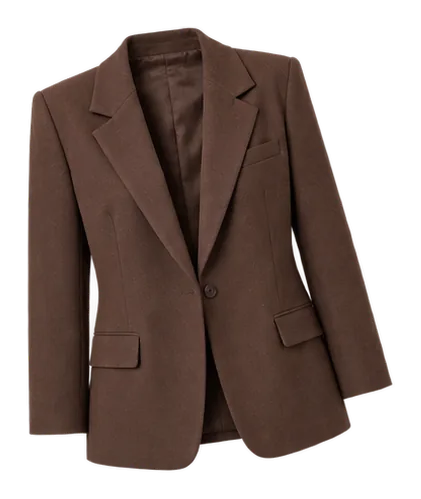
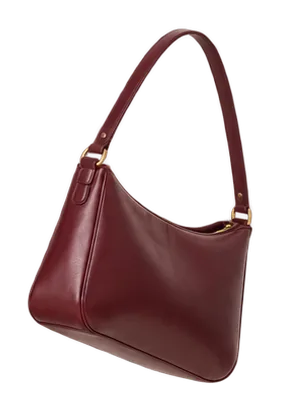
Sample look: the photo, and the pieces it is made of.
Outfits
Outfits from what you already own.
Ask what to wear and STILYO puts outfits together from your own wardrobe. What you like, and what you actually wear, teaches it your taste over time.
Today’s outfit
A fresh suggestion from your own closet every day, right on the home screen.
A stylist in your pocket
Tell the stylist where you are going. It asks a couple of questions and builds a look from your wardrobe.
Discover
A curated feed of looks for the days you want a new idea.







Try on
See it on you before you wear it.
Add one full-length photo of yourself and see any outfit on it. The clothes are fitted to you — your body is never reshaped to fit the clothes.
No photo? No problem.
Your wardrobe, outfits and the stylist all work without a photo of you.
Try-on images are a visual approximation, not a guarantee of fit.
The missing piece
When a look needs something new, find it in a real store.
STILYO looks for a matching product in real stores. Save it to your cart list, then buy it on the store’s own site — checkout never happens inside the app.
Some links may earn us a commission. It never changes the price you pay.
Found in stores
Opens the store’s site
Your photos
Care instructions for your photos.
A body photo is the most personal thing you can give an app. These are the rules we build to — the same ones written in our privacy policy.
Adds, never removes
The model only adds clothing to your photo. It never removes any.
Never published
Your body photo is never published, never shared with other users and never served from an unsigned address.
Your own word
Skin tone and undertone are what you tell us. They are never inferred from your photo, and you can change them.
Real edges
Cut-outs come from your photo’s own pixels. Garments are never regenerated.
Adults only
Body photos that do not clearly show an adult are refused automatically.
Delete means delete
Delete your account in the app and your photos, wardrobe and looks go with it.
100% your own closet
Plans
Building your wardrobe is free. Creating from it is the plan.
Always free
- Importing and cutting out your clothes
- Sorting, editing and searching your wardrobe
- Today’s outfit on the home screen
With a plan
- Building outfits from your wardrobe
- Trying looks on your photo
- Finding products for a missing piece
Every plan includes a weekly allowance for the features that cost us money to run. It renews every week; unused allowance does not carry over.
Weekly
per week
Monthly
per month
Yearly
per year
2 months free
New accounts start with a welcome gift, so you can try it before you subscribe.
Prices in US dollars. Your local price is shown in the App Store or Google Play before you subscribe. Plans renew automatically; cancel anytime in your store account.
Questions
Before you ask
Do I have to upload a photo of myself?
No. Your wardrobe, outfits and the stylist work without one. If you do add a body photo to try looks on, it is never published or shared.
Which clothes can it cut out?
Tops, bottoms, dresses, outerwear, shoes, bags and accessories. Underwear, swimwear and socks can be kept in your wardrobe, but they are never used for try-on.
Is building my wardrobe really free?
Yes. Importing, cutting out, sorting and editing your wardrobe are free. A plan covers building outfits, trying them on and finding products.
Does STILYO sell clothes?
No. When a look needs a new piece, we show you where a real store sells it, and you buy it on that store’s site.
How do I cancel my plan?
In your App Store or Google Play account, where you manage every subscription. You keep access until the end of the period you already paid for.
How do I delete my account?
In the app, open Profile and tap Delete account. Deleting your account does not cancel a subscription — cancel it in your store account first.

Get STILYO
Your closet is already full. Let’s open it.
STILYO is coming soon to the App Store and Google Play.
Invited by a friend? Download the app, then enter their code under Profile → Invite a friend.
Posted from the atelier